
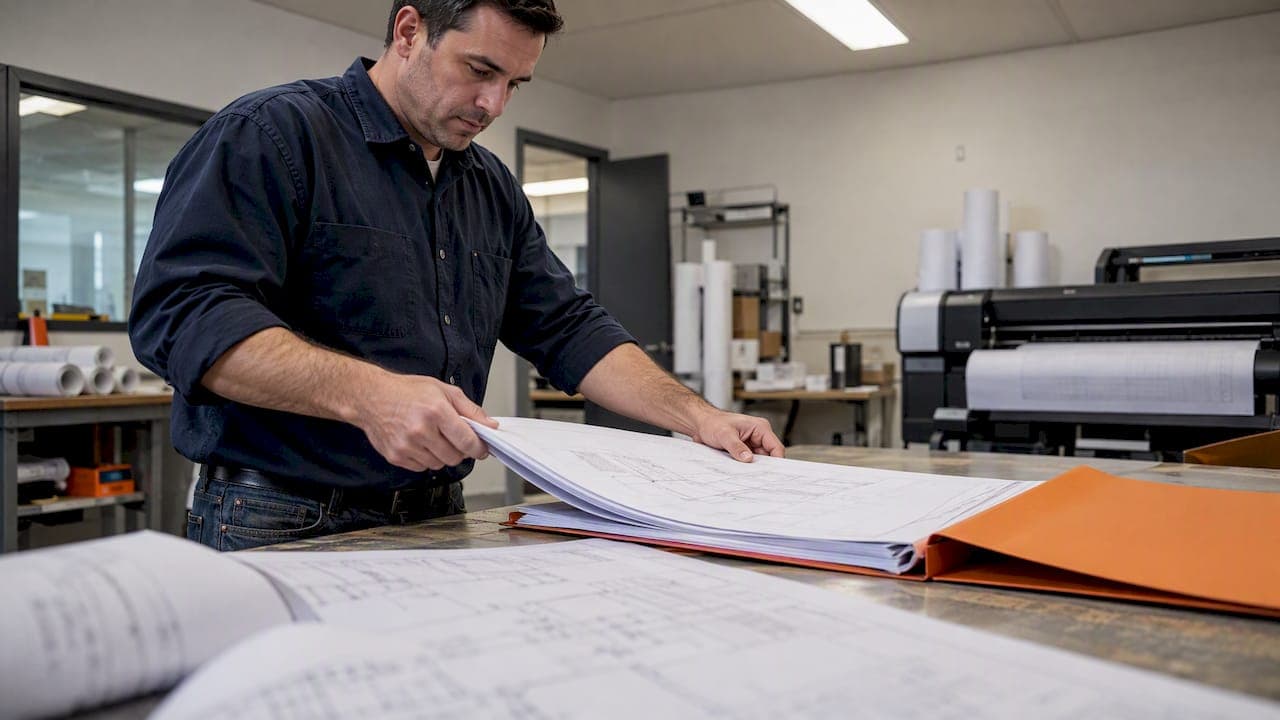
A permit resubmittal package is a complete, updated plan set plus a point-by-point response letter that shows where each reviewer comment was fixed. The single rule that matters most: submit everything the reviewer needs to verify every correction in one pass, not just the revised sheets. Jurisdictions that receive complete submissions process most revisions in five working days or less, while incomplete packages restart the review cycle.
TL;DR:
- Confirm the permit’s status first: checksheet responses address active reviews, while issued permits require formal revisions that may involve additional fees.
- Number each reply to match the reviewer’s comment, cite the exact sheet or calculation page, and identify the delta number and file containing the correction.
- Upload every indexed sheet, required form, and supporting calculation; passworded PDFs, incorrect orientation, missing bookmarks, or naming errors can trigger rejection before review.
- If a submission covers separate scopes, such as structural and mechanical work, ask the permit office whether each needs its own file number before uploading.
- Track the portal status after submission, and contact the assigned permit technician if it exceeds the jurisdiction’s review window instead of resubmitting blindly.
Table of Contents
- 1. What belongs in the resubmittal package checklist
- 2. The step-by-step resubmission workflow, from portal to upload
- 3. Writing a response letter reviewers will actually accept
- 4. File formatting and naming rules that cause automatic rejections
- 5. What to expect for timelines, fees, and processing after you submit
- 6. Common pitfalls and a final pre-submit checklist
- A note on why reviewer-friendly resubmittals matter
- An adjacent option for permit-ready shear wall reports
- FAQ
- Sources
1. What belongs in the resubmittal package checklist
Reviewers expect a package that mirrors the structure of your original submission, updated end to end. Leaving out one sheet or one form is often enough to trigger a rejection, even when the actual correction is sound.
Before you upload anything, confirm you have each of these pieces assembled by referring to the Fix-and-Flip Document Checklist for Investors to ensure your investment renovation project documents are complete.
- A complete, updated plan set with every sheet listed in the index, not only the revised ones, following guidance such as Milpitas's resubmittal requirements that each sheet be saved as one file.
- The reviewer-issued checksheet or rejection letter that lists every open comment.
- A formal response letter or checksheet response form that addresses each comment individually, per Portland's ProjectDox resubmit guide.
- Supplemental calculations, structural reports, and any updated forms tied to the comments.
- Portal checklist forms, acknowledgement checkboxes, and any required signatures or affidavits.
Treat this as a standalone submission. Unless your permit technician explicitly says otherwise, assume the reviewer will not go looking in a previous cycle for anything missing from the current one.
2. The step-by-step resubmission workflow, from portal to upload
Before you touch the portal, confirm whether your permit is still under review or already issued. A checksheet response applies to a permit under review; a revision applies to one that has been issued, and responding to the wrong track can force a new log-in and extra fees, per Portland's checksheet guidance.
Once you know which track applies, the workflow is largely the same across ProjectDox, DevHub, Accela, and eCLIPSE:
- Open the applicant resubmit task assigned to your project and review the outstanding comment list.
- Upload the corrected plan set and supporting documents to the designated folder, following the applicant resubmittal guide for required forms.
- Complete every eform, checklist, and acknowledgement checkbox tied to the resubmit task.
- Click "Complete" or "Submit" to send the package back into the review queue.
If you have two separate scopes of work, such as a structural revision and an unrelated mechanical change, ask whether they need separate file numbers before you submit. After you send the package, expect it to sit in a queue and possibly generate a new checksheet if anything was missed.
Pro Tip: Download and reopen every file you just uploaded before you click complete; portal transforms sometimes alter orientation or strip bookmarks on the way in.
3. Writing a response letter reviewers will actually accept
The response letter is the document a reviewer uses to verify your corrections without re-reading the entire plan set. A one-word reply tells them nothing and almost guarantees a follow-up question.
Structure every entry the same way:
- Number each response to match the reviewer's original comment number exactly.
- Cite the specific sheet number, detail callout, or calculation page where the fix appears.
- Reference the delta number assigned to that change and the file name it lives in.
- Note the cycle number so the reviewer knows which round of comments you are addressing.
- Attach any supporting calculations or reports and point directly to the page or section that resolves the comment.
Avoid replies like "done" or "revised as requested" with no reference. Portland's guidance is explicit that vague responses are a common cause of repeated review cycles, since the reviewer still has to hunt for the change. Keep the tone factual: state what changed, where it changed, and what document proves it.
4. File formatting and naming rules that cause automatic rejections
Many rejections never reach a human reviewer. Portal intake software checks file formatting first, and a package that fails that check gets bounced before anyone reads your response letter.
Run through this list before you upload:
- Remove passwords and digital signatures from PDFs; locked files are typically rejected on intake.
- Set pages to landscape orientation and confirm the plans print to scale.
- Bookmark each sheet in the PDF, and meet any minimum sheet size the jurisdiction specifies.
- Follow the naming convention your jurisdiction uses, such as a cycle prefix like "2-Structural calculations," plus standard files like "0-Index," "0-Cover," or "0-Combined Set" as described in Milpitas's resubmittal rules.
- Stay under the file size limit, compress large drawing sets, and avoid special or illegal characters in file names.
Pro Tip: Keep clouds from the previous submittal visible, but give the new round a unique delta number so the reviewer can tell at a glance which changes belong to this cycle.
5. What to expect for timelines, fees, and processing after you submit
Processing speed depends almost entirely on whether your package is complete the first time. Cincinnati's building department notes that most permit revisions are processed in five working days or less when the submission is complete. This is a benchmark worth aiming for since incomplete responses restart the cycle.
Some jurisdictions charge a fee for additional review cycles or treat a late response to an issued permit as a formal revision application rather than a free checksheet correction. Track your submission status directly in the portal, since most systems show whether a package is in queue, under review, or returned with new comments. If the status has not changed in longer than the jurisdiction's stated review window, contact the permit technician assigned to your project rather than resubmitting blind.

6. Common pitfalls and a final pre-submit checklist
Most automated rejections trace back to a handful of repeat offenses: an incomplete response to one or more comments, inconsistent file naming, or a passworded PDF that the portal cannot open.
Before you click submit, confirm:
- Every reviewer comment has a numbered, specific response.
- The full plan set is uploaded, not only the revised sheets.
- Clouds and delta numbers are visible and current for this cycle.
- File names follow the jurisdiction's convention exactly.
- Every required checkbox and acknowledgement form is complete.
Open each file one more time to verify bookmarks and printable scale. When a comment is unclear or contradicts an earlier instruction, call or email the permit office before resubmitting rather than guessing.
A note on why reviewer-friendly resubmittals matter
A package built around the reviewer's workflow, not just your own files, saves everyone a cycle. We have spent enough time around shear wall documentation and plan check friction to know that the packages reviewers approve fastest are the ones that answer questions before they are asked. Prioritize clarity in the response letter over speed in assembling it.
— Evalin
An adjacent option for permit-ready shear wall reports
Clear calculations make a response letter easier to write, and that is the piece of the resubmittal package we focus on. ShearWise Pro organizes shear wall calculations, wall lines, openings, full-height segments, hold-down forces, transfer straps, roof information, and story drift checks into clean PDF reports built for review coordination, not general-purpose structural modeling.
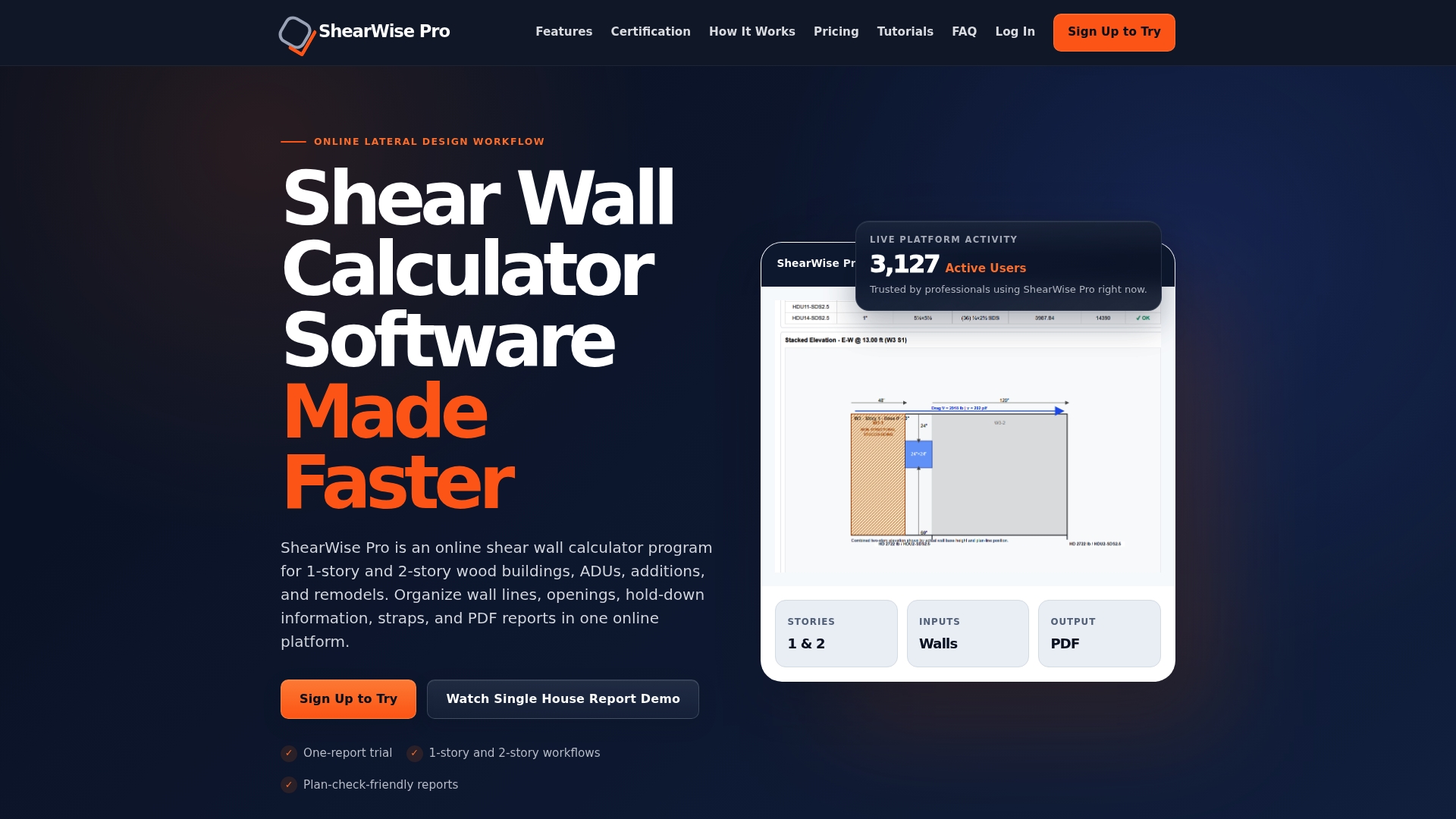
Professionals working on 1-story and 2-story wood-framed projects use such software to generate the kind of reviewer-ready documentation that supports a tight, well-referenced response letter. For a closer look at what reviewers expect from shear calcs specifically, see our reviewer nonnegotiables checklist. You can try it with the Three-Report Trial at no cost, or move to Professional Monthly at $29 per month or Professional Annual at $250 per year once you need ongoing access.
FAQ
What does it mean for a contractor to pull a permit?
Pulling a permit means a contractor formally applies for and obtains the building permit on behalf of the property owner, making the contractor the responsible party of record with the permitting office. This ties inspections, code compliance, and resubmittal communications directly to the contractor until the project closes out.
What happens if you build without a permit?
Building without a required permit typically exposes the property owner to fines, stop-work orders, and the possibility of having to expose or demolish completed work for inspection. Rules and penalties vary by jurisdiction, so check with your local building department before starting work that normally requires a permit.
How long does it take to get a building permit approved?
Approval timelines vary widely by jurisdiction and project complexity, but complete resubmittals move fastest. Cincinnati's guidance notes that about 90% of complete revisions are processed within five working days, while incomplete submissions restart the clock.
How do I create plans for a permit?
Permit plans typically need to show the full scope of work, including structural, architectural, and any required engineering calculations, prepared to the format your local building department specifies. For wood-framed structural elements like shear walls, a dedicated shear wall calculator helps organize the calculations and generate a reviewer-ready report to include in the set.
What is a checksheet response versus a permit revision?
A checksheet response addresses reviewer comments on a permit that is still under review, while a revision applies to a permit that has already been issued. Responding on the wrong track can trigger a new log-in process or additional fees, so confirm your permit's status before you resubmit, per Portland's checksheet guidance.
Sources
- City of Cincinnati — Revision process / permit guide
- Portland ProjectDox resubmit guide
- Milpitas resubmittal requirements