
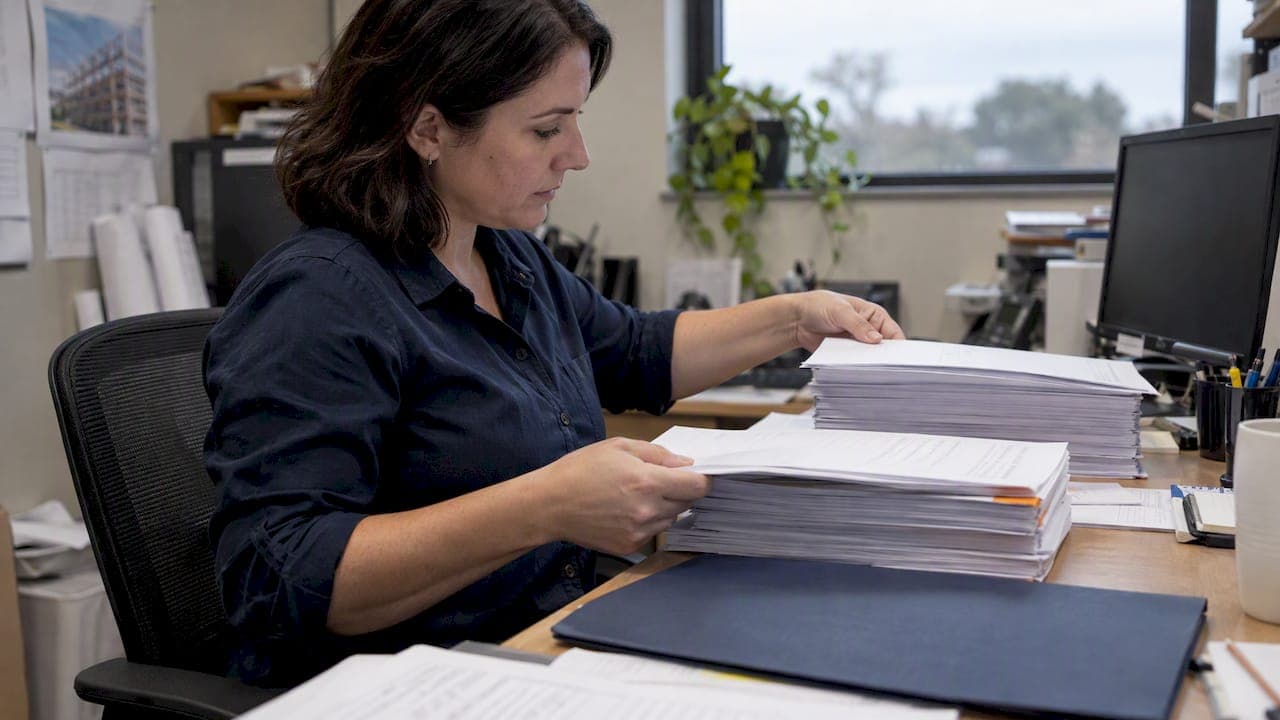
A calculation cover sheet means one of two things: a title page on an engineering calculation package, or an official land-record cover sheet generated for court filing and fee calculation. The engineering version needs a project number, document title, Engineer of Record seal and signature, and page count; the land-record version needs a correctly calculated page total before you submit. Pick the checklist below that matches your goal.
TL;DR:
- Engineering covers should use Page 1 of N, match the final PDF, and show the Engineer of Record’s legible seal, signature, license number, and date.
- When courts do not require a separate cover sheet, include its pages in the total before calculating fees; displayed amounts remain estimates.
- Land record generators commonly produce a printable PDF and XML for court indexing, while barcode scanning reduces clerks’ manual data entry.
- For large engineering packages, group calculations by structural system and location, paginate continuously, and maintain one master revision log keyed to calculation numbers.
- Treat the generator’s fee as an estimate rather than a receipt, and confirm the final amount with the court before completing the filing.
Table of Contents
- 1. What belongs on an engineering calculation cover sheet
- 2. How land-record cover sheet generators calculate fees
- 3. Templates for engineering and land-record cover sheets
- 4. Pre-submission checks: page counts, formats, and QC
- 5. ShearWise Pro sample reports show reviewer-ready front matter
- 6. Best practices for organizing multiple calculation sheets
- 7. Customizing cover sheets for different project types
- 8. Linking cover sheets to shear wall calculation reports
- 9. Typical errors to avoid when preparing a cover sheet
- 10. Why a clear cover sheet speeds up reviewers and clerks
- How ShearWise Pro helps you produce a compliant cover sheet
- FAQ
- Sources
1. What belongs on an engineering calculation cover sheet
A reviewer should be able to identify your project, confirm who sealed the work, and see how many pages to expect, all from the front page. That's the job of the cover sheet, and missing any of these fields is one of the most common causes of a returned submittal.
- Project name and number, plus a calculation number or EC# that ties the package to a specific design element.
- Document title, such as "Final Calculation Book" or "Shear Wall Calculation Package," stated plainly, not abbreviated.
- Pagination in "Page 1 of N" format, matching the actual page count of the final PDF.
- Engineer of Record block: name, license number, signature, seal, and date, placed where it won't be cut off by binding or scanning.
- Reviewer or checker block and a short revision history table, separate from the EOR block so edits don't touch the original approval.
- Metadata fields such as design basis, systems or wall lines impacted, and any topical codes your firm uses for filing.
Use 12-point font for body text, show units on every numerical value, and number equations consistently through the package. A practical habit: place the EOR seal and signature on their own line or page, separate from the revision table, so a minor pagination fix later doesn't require re-sealing anything.
Pro Tip: Keep the signature block on a dedicated page or layer so routine edits to the body never touch the sealed front matter.
2. How land-record cover sheet generators calculate fees
Court recording systems use automated cover-sheet generators, and the single detail that trips up most filers is the page count. If the court does not require a separate physical cover sheet, you must add the cover-sheet pages to your document's total page count before the generator calculates the recording fee, a rule spelled out in the Virginia Land Record Cover Sheet Quick Reference Guide. Skip that step and your fee estimate will be wrong before you ever reach the counter.
Here's roughly how the workflow runs:
- The generator produces a PDF for printing and an XML file for electronic import into the court's indexing system.
- Many systems translate your cover-sheet data into a 2-D barcode so clerks can scan it instead of re-keying information by hand.
- Required fields are typically marked with a red asterisk, and the interface expects you to tab through them in order rather than skip around.
- The fee shown on screen is an estimate, not a receipt, a distinction the Fairfax County Circuit Court cover-sheet application makes explicit for anyone pre-calculating recording costs.
The barcode and XML output exist specifically to reduce manual entry errors at the clerk's counter, according to the Fairfax County Circuit Court cover-sheet application, which is why straying from the official template format risks rejection even when the underlying document is correct. Always confirm the final fee with the court before you consider the transaction complete, since the generator's number is a courtesy calculation.
3. Templates for engineering and land-record cover sheets
A usable template saves you from rebuilding the same front matter on every project. Here's a practical order for an engineering calculation cover sheet:
- Title block: project name, address, and project number at the top.
- Calculation number / EC#, directly below the title block.
- Document title, stated in full ("Final Calculation Book," "Lateral Analysis Calculation Package").
- Page count, formatted as "Page 1 of N."
- Revision block, with revision number, date, description, and initials.
- EOR block, with signature, seal, license number, and date, positioned last so it reads as the final authorization.
A land-record cover sheet follows a different logic, since a clerk needs to index the filing quickly:
- Instrument type (deed, easement, lien release, and so on) stated at the top.
- Date of instrument and date of recording request.
- Parcel identification number(s) tied to the property.
- Number-of-pages field, which must include the cover sheet itself when the court doesn't require a separate one.
Name your exported files consistently, something like date_timestamp_instrumenttype.pdf, and save both the PDF and the XML when the generator produces one, since some court systems require the XML upload as a separate step from printing. Keep a one-page checklist in your project folder covering title block, page count, revision history, EOR signature, and file naming, and run through it before every submission.
4. Pre-submission checks: page counts, formats, and QC
Most resubmittal requests trace back to a handful of avoidable mistakes. Running through this list before you hit send catches nearly all of them.
- Confirm "Page 1 of N" matches the actual final PDF, after any last-minute edits or appendix additions.
- Add cover-sheet pages to your total page count when the filing system requires it, a step the Virginia Land Record Cover Sheet Quick Reference Guide flags as a common source of fee errors.
- Verify the EOR seal and signature are present and legible, not cropped by a page margin or obscured by a watermark.
- Export in PDF for reviewer packages, and generate the XML separately when the receiving system requires one for upload.
- Check file size against the portal's limit, and consider PDF/A for long-term archival submissions.
Common rejection reasons include missing revision history, a page total that doesn't match the actual document, and front matter without a visible signature. Our peer review guidance for structural calculations covers the checks engineers run before a package ever leaves their desk, which catches most of these before submission.
Pro Tip: Keep the original editable file and a signed PDF copy stored separately, and give both clear, consistent file names so a revision request doesn't turn into a search through old folders.
5. ShearWise Pro sample reports show reviewer-ready front matter
Seeing a clean example speeds up building your own template. Our sample report shows how organized shear wall calculation front matter looks when it's generated consistently rather than assembled by hand each time.
Sample output from ShearWise Pro includes:
- Clear project identification and page counts on the front matter, so reviewers see the scope before reading a single calculation.
- A revision history section that tracks changes without touching the original approved content.
- Printable PDF formatting built for reviewer coordination, with wall lines, hold-down forces, and transfer strap data organized in a consistent order.
- Embedded report metadata that keeps the file organized even after it moves between reviewers.
Our calculation package overview breaks down what belongs in the front matter versus the supporting appendices, which is worth reading alongside the sample report if you're structuring a package from scratch.
6. Best practices for organizing multiple calculation sheets
A single-page cover sheet works fine for one calculation. A full project usually involves several, covering different wall lines, load paths, or structural systems, and without a consistent structure they become hard to review as a set.
Group calculations by structural system first, then by location: all shear wall calculations together, all foundation calculations together, rather than mixing systems in submission order. Give each group its own sub-cover or divider page listing what's inside, so a reviewer can jump to the section they need without paging through the whole book.

Number pages continuously across the entire package rather than restarting at 1 for each calculation set. A reviewer working from a printed copy needs to know that page 47 follows page 46, even if the content shifts from wall-line analysis to roof diaphragm checks.
Keep a single master revision log for the whole package, separate from any per-calculation revision notes, so a reviewer can see at a glance what changed between submittals without hunting through individual sections. Reference each calculation sheet by its EC# or calculation number in the master log, not by a page number that will shift as the document grows.
Finally, keep appendices (test reports, manufacturer data, supporting references) physically separate from the calculations they support, with a clear pointer in the calculation itself telling the reviewer which appendix to check. Mixing supporting data into the main calculation flow makes the core logic harder to follow and the page count harder to predict.
7. Customizing cover sheets for different project types
A cover sheet built for a single-family residential permit rarely fits a commercial or bridge project without changes, and trying to force one template across every job type creates confusion rather than consistency.
For residential wood-frame projects, keep the cover sheet lean: project address, EC#, page count, and EOR block are usually enough, since the review process tends to be faster and less document-heavy. For larger projects, state DOT and bridge guidance expects more, including table of contents entries and QC/QA certifications alongside the standard fields, a structure the Appendix B final calculation book checklist lays out in detail for large design packages.
Client requirements add another layer. Some clients want their own project numbering scheme reflected on the cover sheet alongside your internal EC#, or they want a specific disclaimer line included for liability reasons. Keep a base template with the required engineering fields locked in, then leave two or three fields open for client-specific additions, rather than rebuilding the whole layout per client.
State agency guidance also matters here. The TxDOT plan set development guidance recommends consistent front matter and formatting across a plan set, including when calculation tables belong in the set versus a separate calculation book, which is a useful reference if you're deciding how much to fold into the cover sheet itself versus the appendices.
Whatever the project type, don't let customization erase the fields a reviewer always expects: project identification, page count, and a visible EOR seal and signature, especially when considering environmentally sensitive development factors in your planning. Those three stay constant no matter who the client is.

8. Linking cover sheets to shear wall calculation reports
A cover sheet is only useful if it points clearly to the calculations behind it, and that connection matters most on shear wall packages, where multiple wall lines, openings, and hold-down conditions can span dozens of pages.
Reference each wall line or shear segment by the same identifier on the cover sheet summary and inside the calculation body, so a reviewer checking wall line 4 on the summary can find the matching calculation without cross-referencing a separate index. If your cover sheet includes a short summary table of wall lines and governing forces, keep the labels identical to what appears in the detailed calculations, not a shortened or renumbered version.
Story drift checks and transfer strap schedules tend to live in separate sections from the main wall line calculations, so note on the cover sheet (or in a one-line table of contents) where each lives in the package. This is especially useful on two-story buildings, where upper and lower story results need to stay clearly separated.
Our sample report shows how organized wall line data, hold-down forces, and roof information connect back to a consistent front-matter structure, which is a useful reference if you're deciding how much summary detail to put on the cover sheet versus leave in the body.
Keep the revision history on the cover sheet tied to specific wall lines or sections when a change only affects part of the package, rather than a vague "updated calculations" note that leaves a reviewer guessing what actually changed.
9. Typical errors to avoid when preparing a cover sheet
A handful of mistakes account for most of the rework we see on calculation front matter.
- Page count mismatch: the cover sheet says "Page 1 of 42" but the final PDF runs 45 pages after a last-minute addition.
- Missing or illegible EOR seal: the signature block exists but the seal is cropped, low-resolution, or missing entirely.
- No revision history, so a reviewer comparing a resubmittal to the original has no record of what changed.
- Inconsistent project identifiers, where the cover sheet uses one project number and the calculation body uses another.
- Forgetting to add cover-sheet pages to the land-record page total, which throws off the fee estimate before you even reach the counter, an error the Virginia Land Record Cover Sheet Quick Reference Guide specifically warns against.
- Generic document titles like "Calculations" instead of a clear, specific title such as "Final Calculation Book" that tells a reviewer exactly what they're holding.
Most of these come down to a final check skipped under deadline pressure. Our digital signature guidance for structural calculations covers the signature and seal side of this specifically, since an unsigned or improperly sealed front page is one of the fastest ways to get a package bounced back regardless of how solid the calculations inside it are.
10. Why a clear cover sheet speeds up reviewers and clerks
A cover sheet is a quality-control gate, not paperwork. Clean metadata lets automated land-record systems and human reviewers both move faster, and a clear revision history with a visible signature block builds trust before anyone reads page two.
The balance that works: put exactly what a reviewer needs on the cover sheet (identification, page count, authorization) and push supporting detail into appendices. A cluttered front page slows everyone down.
— Evalin
How ShearWise Pro helps you produce a compliant cover sheet
If you're assembling shear wall calculations by hand, building consistent front matter for every project gets tedious fast. We built ShearWise Pro to organize wall lines, openings, full-height segments, hold-down forces, transfer straps, and story drift checks into a single clean PDF report, with front matter and revision history generated as part of the output rather than rebuilt from scratch each time.
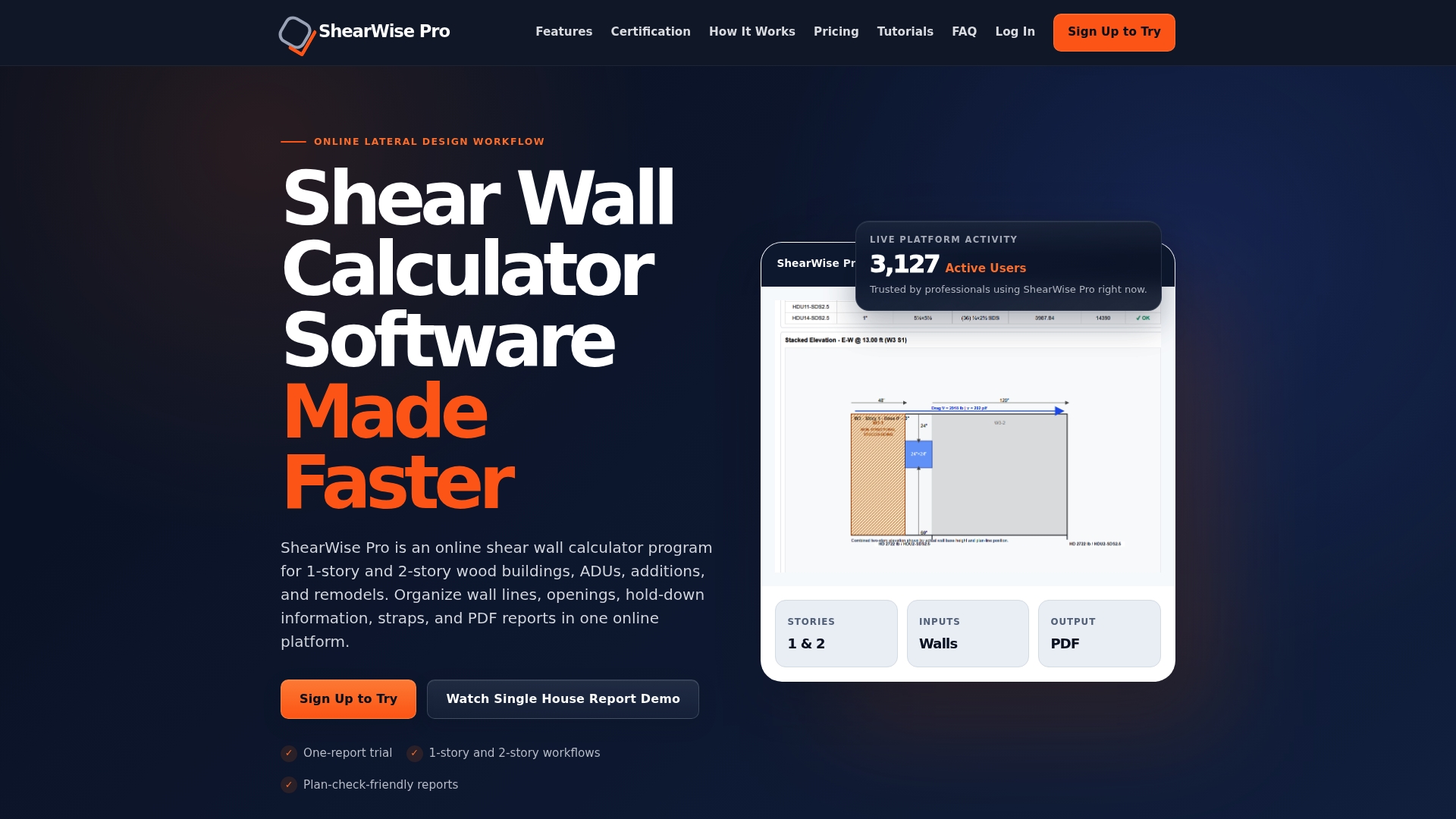
- Professional Monthly plan runs $29 per month for ongoing project work.
- Professional Annual plan runs $250 per year for firms generating reports regularly.
- Three-Report Trial gives you three watermarked reports at no cost to test the output before subscribing.
Check our validation library for example calculation formats, or view the sample report directly. Whichever path you take, confirm any filing-specific cover sheet rules with your reviewing authority or court before final submission, since those requirements vary by jurisdiction.
FAQ
What is the most important field on an engineering calculation cover sheet?
The Engineer of Record's seal and signature matter most, since that's what gives the calculation package legal standing for permit review. Project number, document title, and page count round out the fields reviewers check first.
Do I need to add cover sheet pages to my document's total page count?
Yes, when the court does not require a separate physical cover sheet, you add the cover-sheet pages to your document's total before the generator calculates the recording fee, per the Virginia Land Record Cover Sheet Quick Reference Guide. Skipping this step produces an inaccurate fee estimate.
What file formats do land-record cover sheet generators produce?
Most generators produce a PDF for printing and an XML file for electronic import into the court's indexing system. Some also translate cover-sheet data into a 2-D barcode so clerks can scan it automatically, as described by the Fairfax County Circuit Court cover-sheet application.
Is a cover sheet fee estimate the same as my final recording fee?
No, a generator's fee estimate is a courtesy calculation, not a receipt, and the actual fee is confirmed at the time of recording. The Fairfax County Circuit Court cover-sheet application advises contacting the Land Records Division directly for special cases.
Can ShearWise Pro generate a cover sheet for my shear wall calculations?
ShearWise Pro organizes shear wall calculation inputs into a clean PDF report with front matter and revision history included as part of the output. You can see the format in our sample report or test it directly with the Three-Report Trial.
Sources
- Land Records Cover Sheet and Fee Pre-Calculation Application | Circuit Court
- Virginia Land Record Cover Sheet® Quick Reference Guide
- Chapter 3: Plan set development | TxDOT
- Appendix B — Final calculation book checklist (LADOTD / SNBI)